 Garden Reprise · iPhone app by Daily Apps Lab
See your new yard. Keep your real house. Know what to buy.
Redesign your yard from one photo. First design free. No subscription.
iPhone appComing December 2026
How it works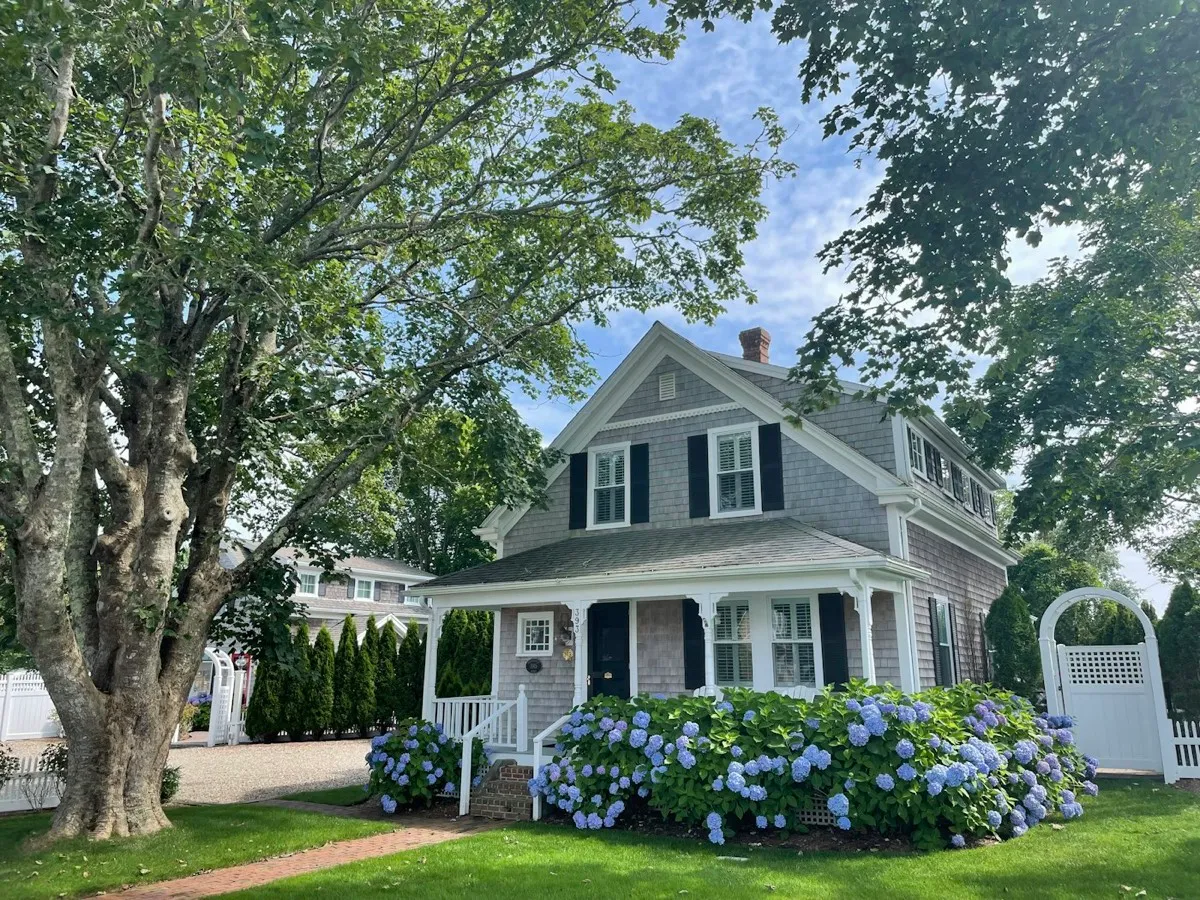
- Your house stays the same
- Plant list included
- No subscription
- No account needed
How it works
From one photo to a plant list in four steps
 1
1Snap your yard
Take a photo or pick one from your library. A framing guide helps you get the whole yard in.
 2
2Paint what can change
Brush over the lawn, beds or patio with your finger. Nothing else gets touched.
 3
3Pick a style
Choose from seven styles, then set your sun and budget.
 4
4See it and plant it
Get a realistic before and after, plus a plant list for your zone with quantities, rough costs and care notes.
Seven styles
Which landscape style suits your yard?
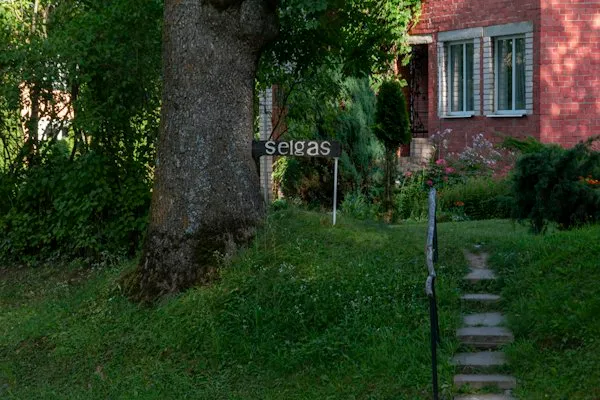
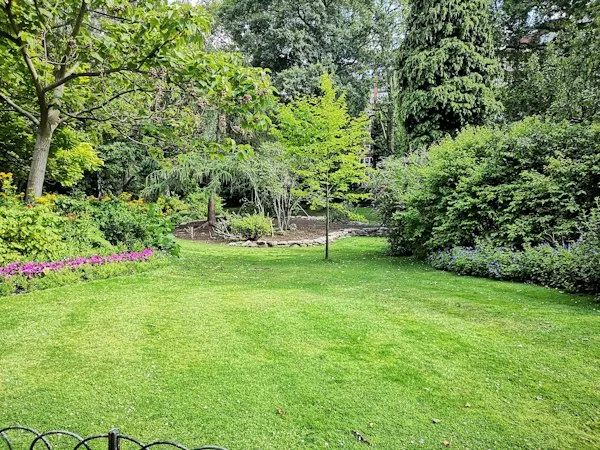
Garden Reprise designs front yards, backyards and side yards in seven styles. These photos show the look each style aims for.
- Cottage
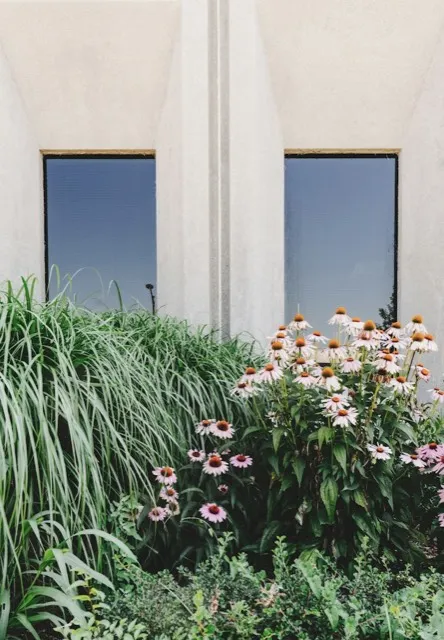 Modern
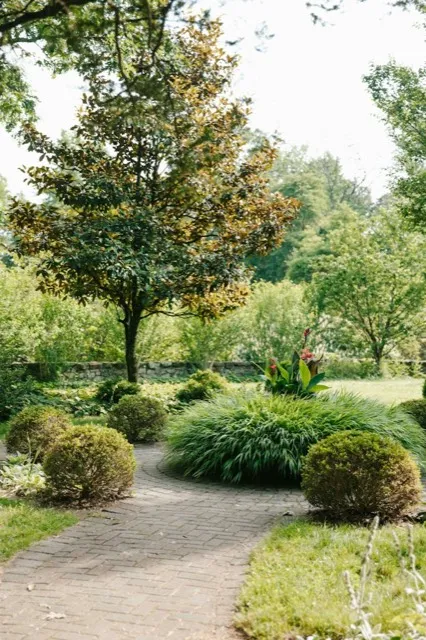 Low-maintenance
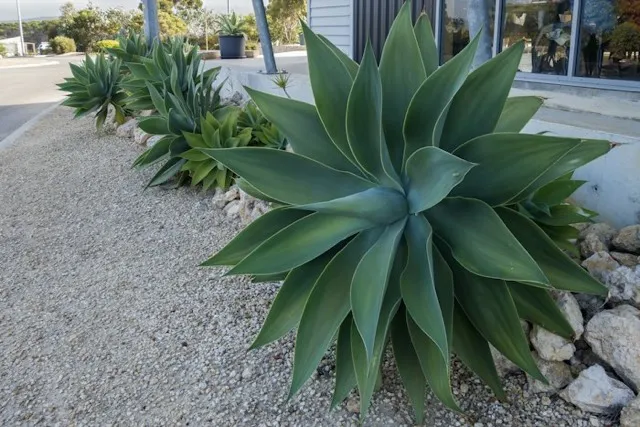 Drought-friendly (xeriscape)
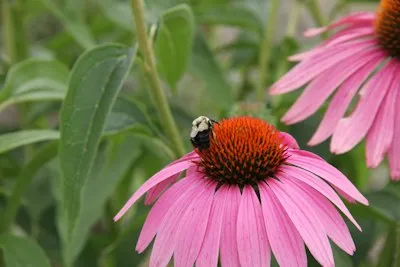
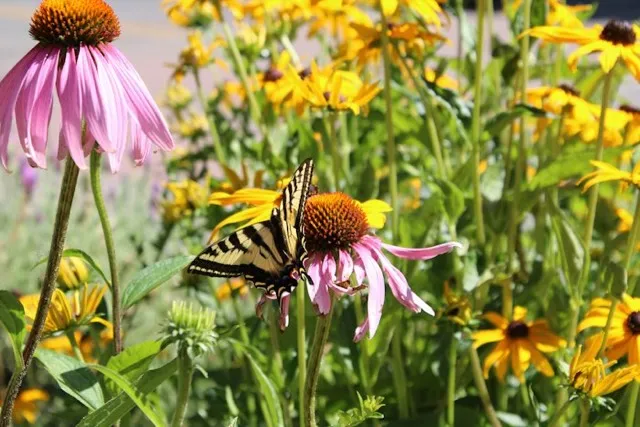 Native & pollinator
 Japanese
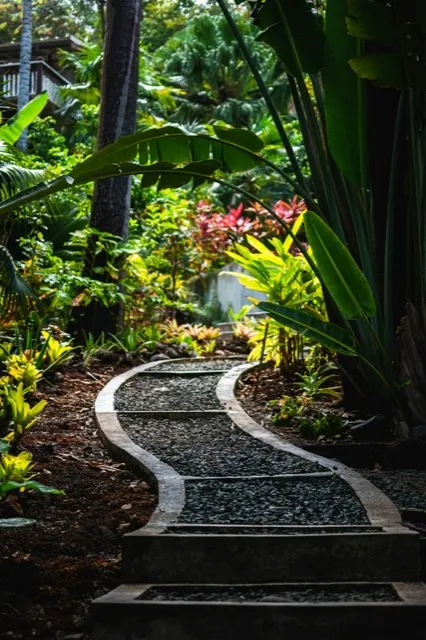 Tropical
The plant list
A plant list you can take to the garden center
- Matched to your USDA zone from your ZIP code. The app never asks for location access.
- Why each plant fits: sun, upkeep and budget.
- How many to buy and a rough cost for each plant.
- Pet-safety and care notes for every plant.
- Planting plan PDF to export and share.
- Edit with plain words like "add a stone path", "more color" or "fewer shrubs".


Honest pricing
How much does Garden Reprise cost?
Your first design is free. After that you pay once per yard project. No subscription, ever.
First design
Free
One preview design per device. No account, no card.
Yard Makeover Pack
$14.99 one-time
One yard project: 6 HD designs in different layouts, 20 edits, the full plant list and the planting plan PDF.
20 More Edits
$4.99 one-time
20 extra edits for a project.
| Other AI garden apps | Garden Reprise |
|---|---|
| Weekly subscriptions with small limits | One clear price per project |
| Pay extra to see which plants are in your design | Plant list always included |
| The AI changes your house or ignores you | You mark exactly what changes |
| Pretty but impossible designs | Plants filtered for your zone, sun, budget and upkeep |
| Asks for your location | Just a ZIP code |
| Fake "free trials" | The free design is the trial |
Purchases go through Apple. Refunds are handled by Apple at reportaproblem.apple.com. Restore purchases from the app's Settings.
Questions
Garden Reprise questions
Is Garden Reprise really free?
Your first design is free, with no card and no account. After that, the Yard Makeover Pack is a one-time $14.99 for one yard project.
Is it a subscription?
No. There is no subscription, ever. You pay once per pack: $14.99 for the Yard Makeover Pack, and $4.99 if you want 20 more edits.
Will it change my house?
No. Only the areas you paint with your finger change. Your house, driveway and fence are copied back from your original photo.
Are the designs exact?
They are AI concepts to help you plan and picture the result. The plant list is the accurate part: it is matched to your climate zone, sun and budget.
How does it know my climate?
From the ZIP code you type in, which gives your USDA hardiness zone. The app never asks for your location.
What styles can I choose?
Cottage, modern, low-maintenance, drought-friendly (xeriscape), native and pollinator, Japanese and tropical. You also set your sun and budget.
Is it available outside the US?
It is US-first for now, because the plant data is US-specific. The UK, Canada and Australia are planned.
Is there an Android version?
Garden Reprise is on iPhone first. Android is coming later.
How do I restore my purchase?
Open the app, go to Settings and tap Restore purchases.
How do I get a refund?
Purchases go through Apple, so refunds do too. Request one at reportaproblem.apple.com.
How do I delete my data?
In the app, go to Settings and tap Delete my data. It removes your photos, designs and records. You can also email us and we will do it for you.
More help on the support page.
Plan your yard this spring, not next year
One photo, one clear price, and a plant list that fits your climate.
iPhone appComing December 2026